Teaching insight
Surface explanations, representations and useful approaches around the mathematics.

PlanET brings curriculum knowledge, teaching guidance, resources and professional insight together around the mathematics you are planning.
Ask a teaching question and connect useful guidance, curriculum ideas, resources and teacher insight.
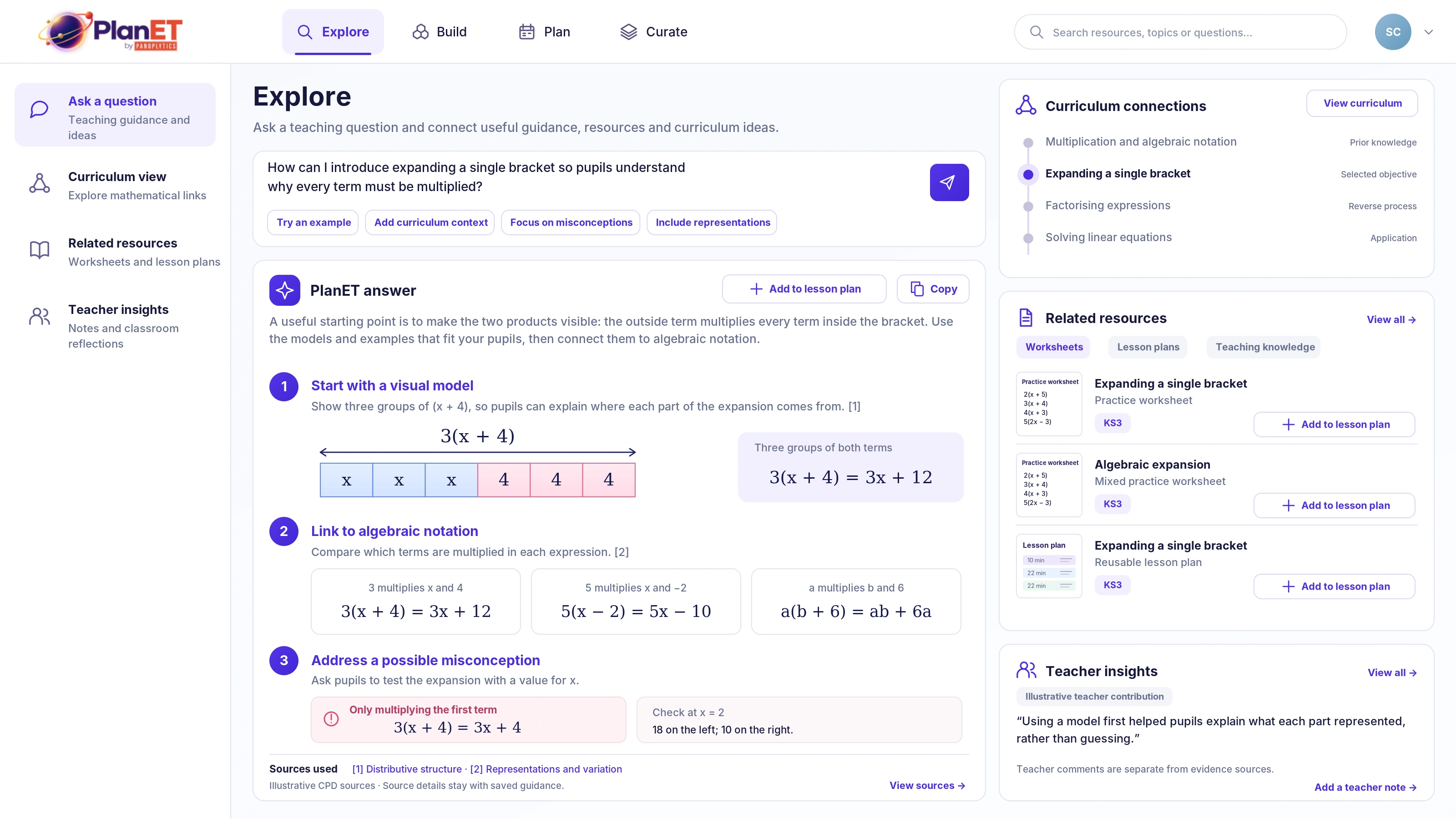
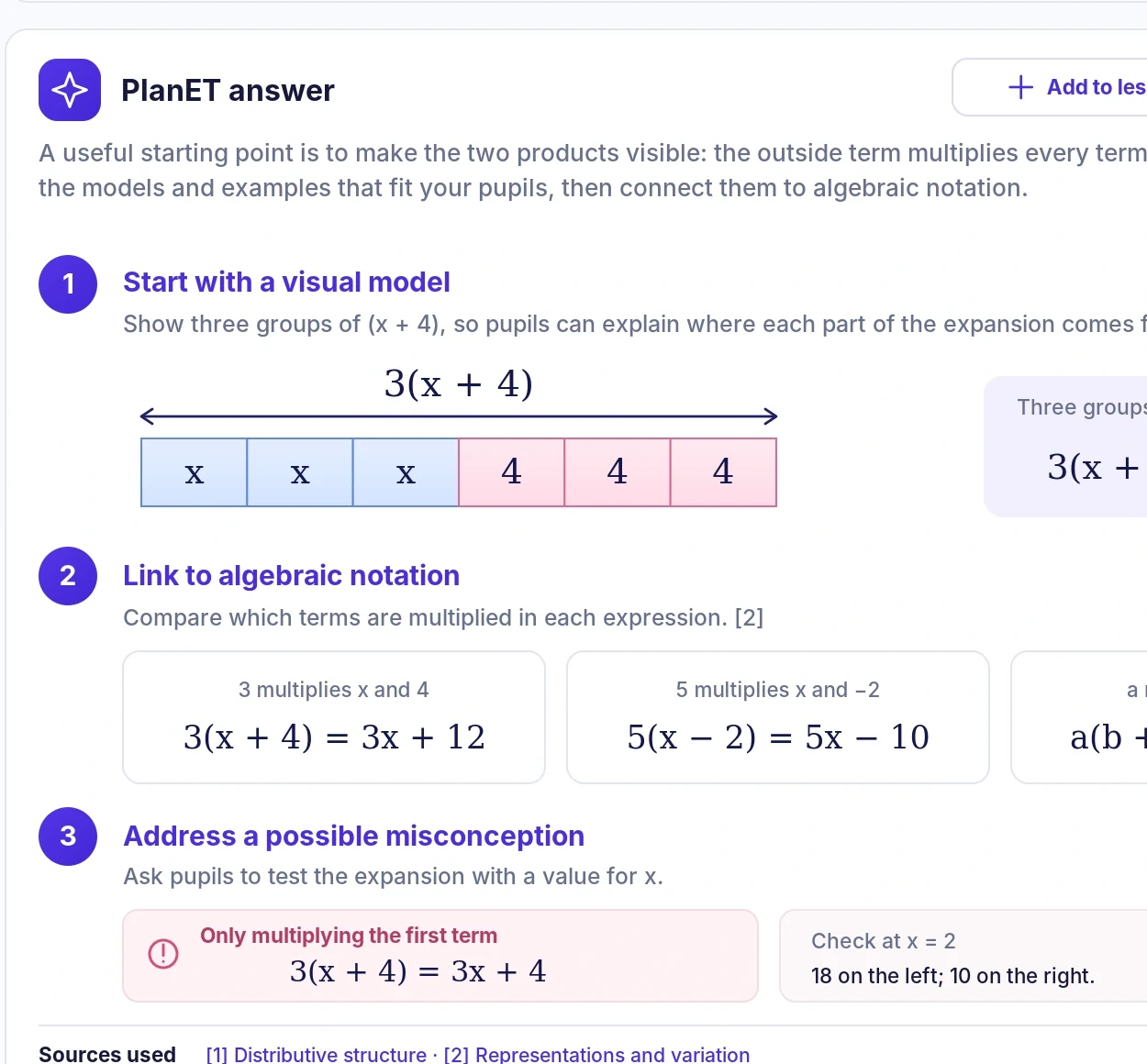
Surface explanations, representations and useful approaches around the mathematics.
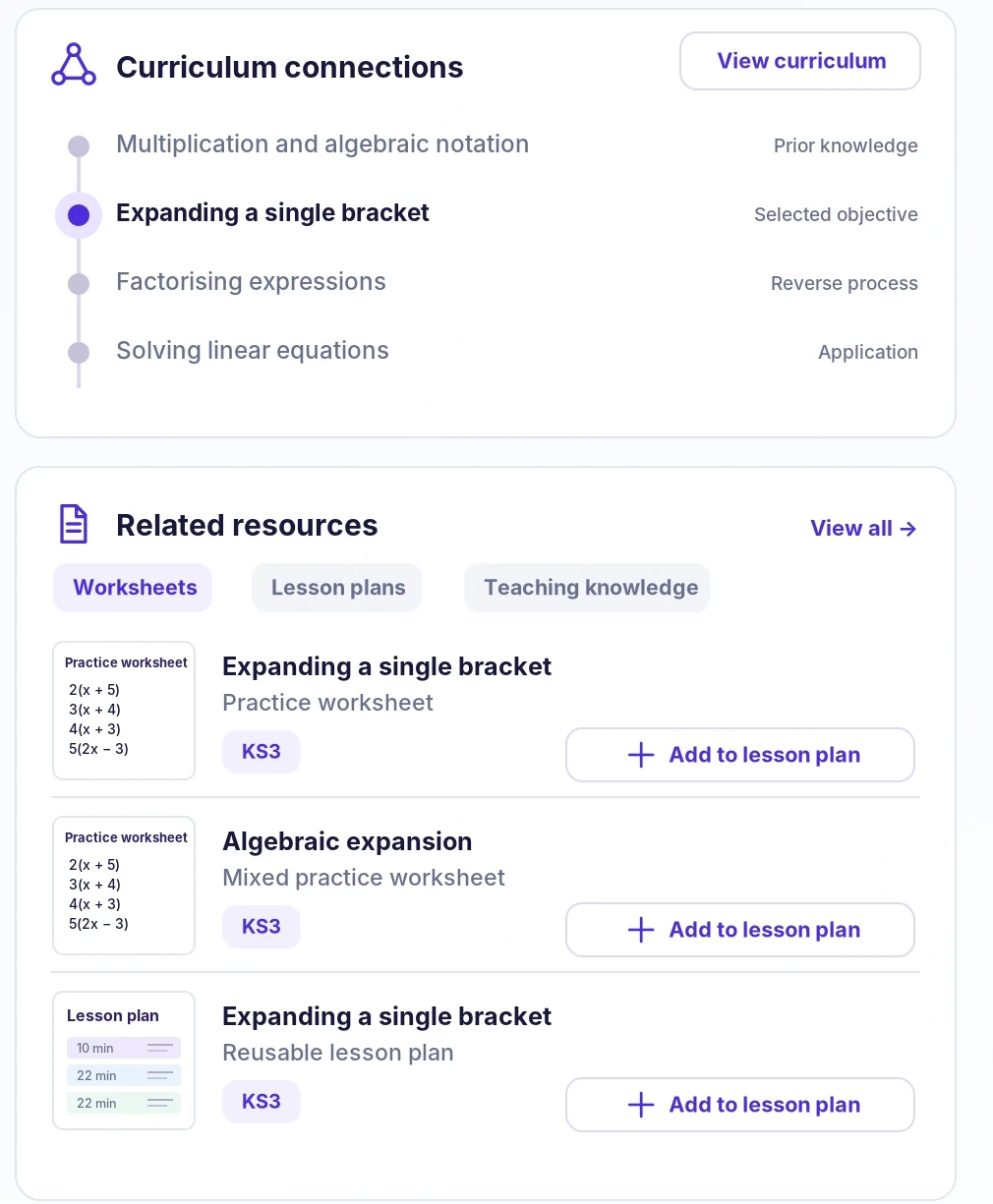
Keep prior learning, the selected objective and related mathematical ideas in view.
Connect useful materials and classroom insight to the teaching question.
Upload existing worksheets and teaching materials. PlanET helps identify the mathematical ideas, representations, misconceptions and curriculum connections they may support, while leaving the final judgement with the teacher.
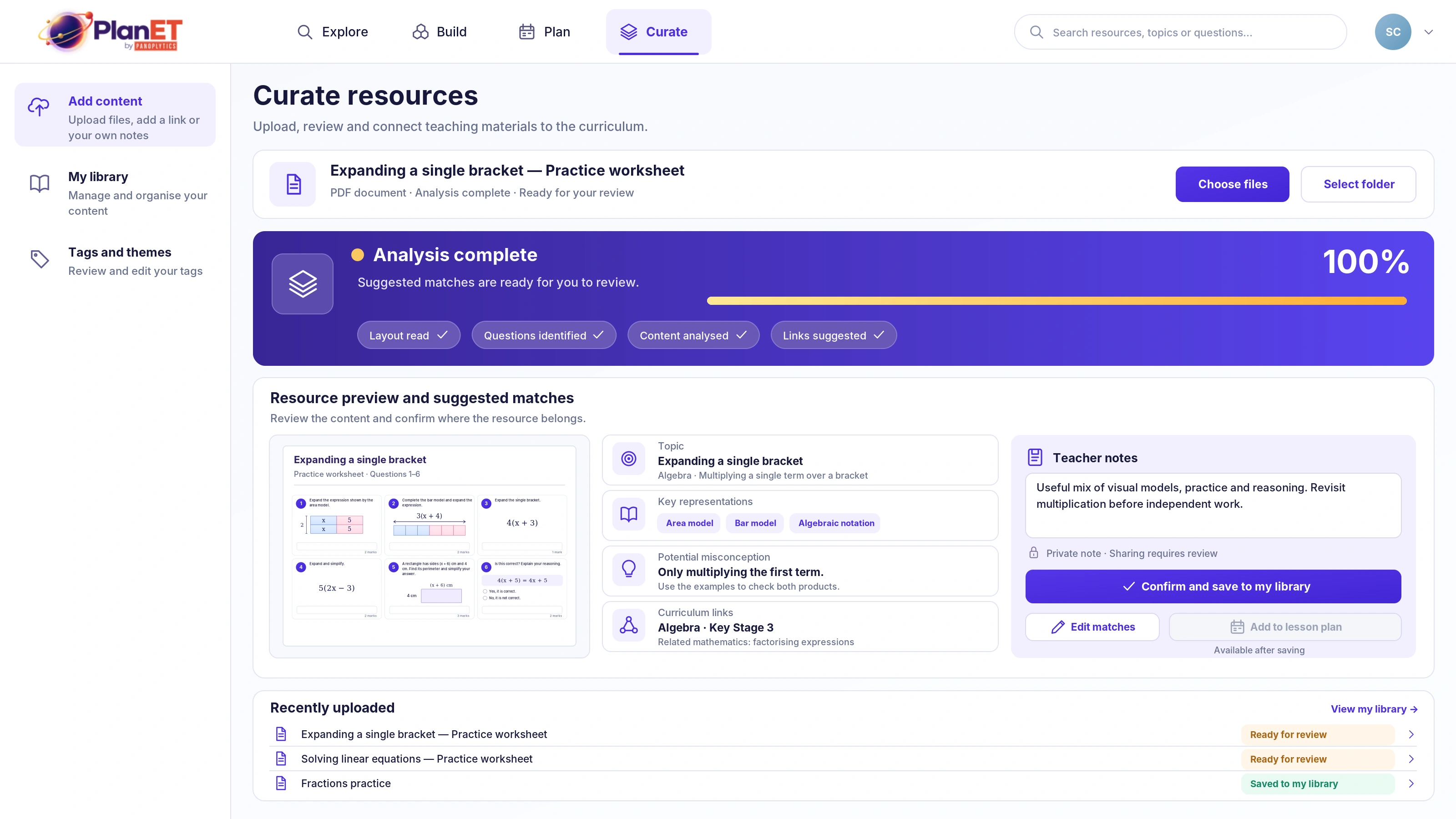
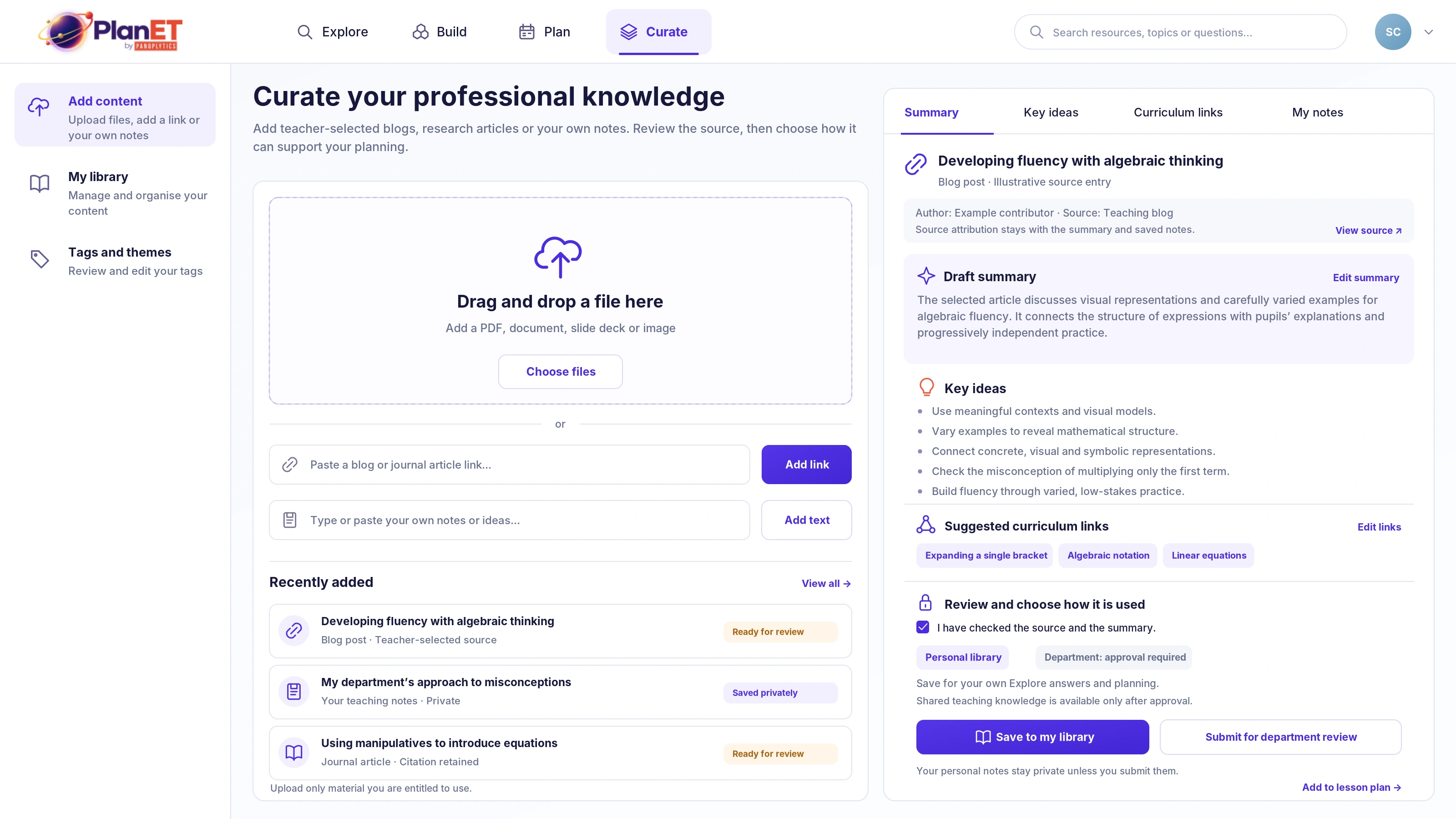
Add teacher-selected guidance, research, departmental approaches or your own notes. Review the source, edit what matters and choose how it should support future planning.
Personal notes can remain private. Where departmental sharing is appropriate, review and approval can help preserve trust and source attribution.